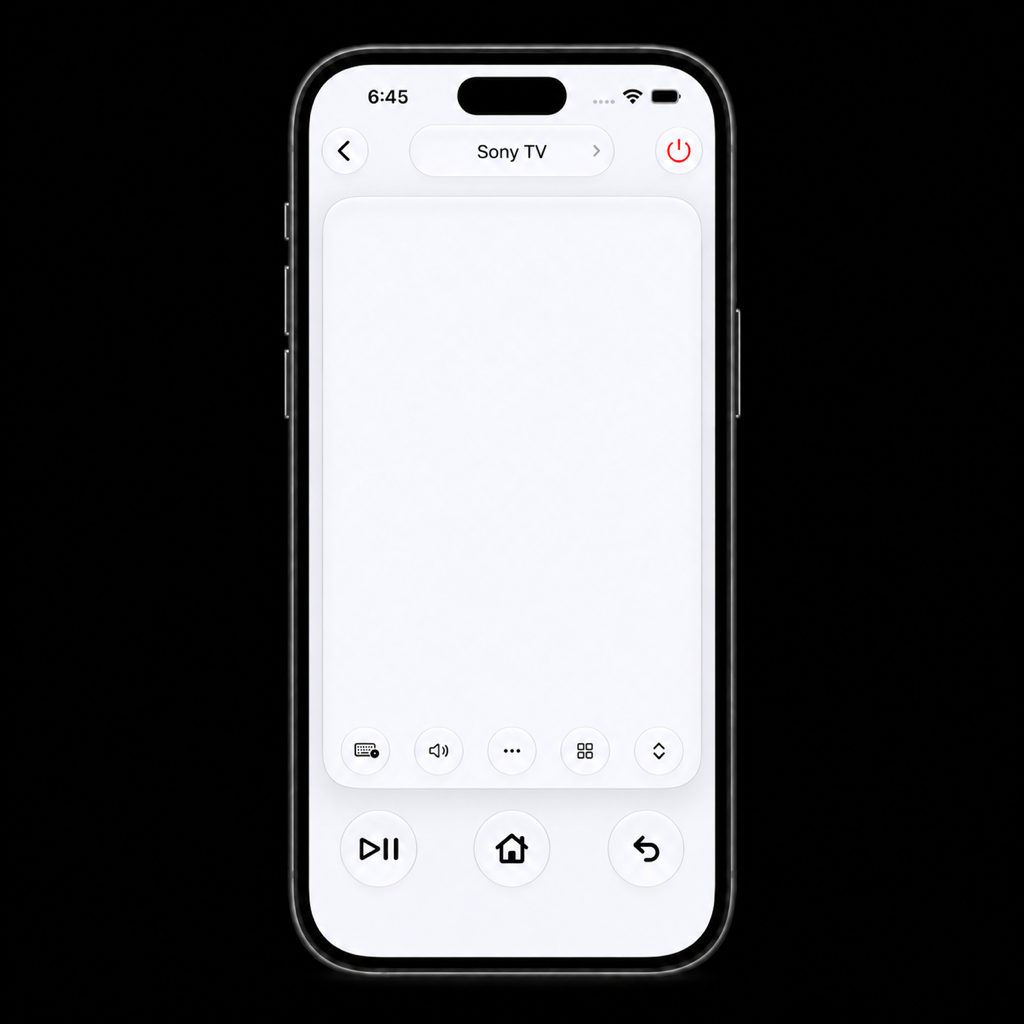
MotePilot for iPhone
Your TV.
A lighter touch.
An iPhone remote for compatible TVs and streaming devices on your local network.
Swipe to navigate, tap to select, and keep everyday controls close by.
Keyboard and TV assistant input where supported.
INTERACTIVE DEMO
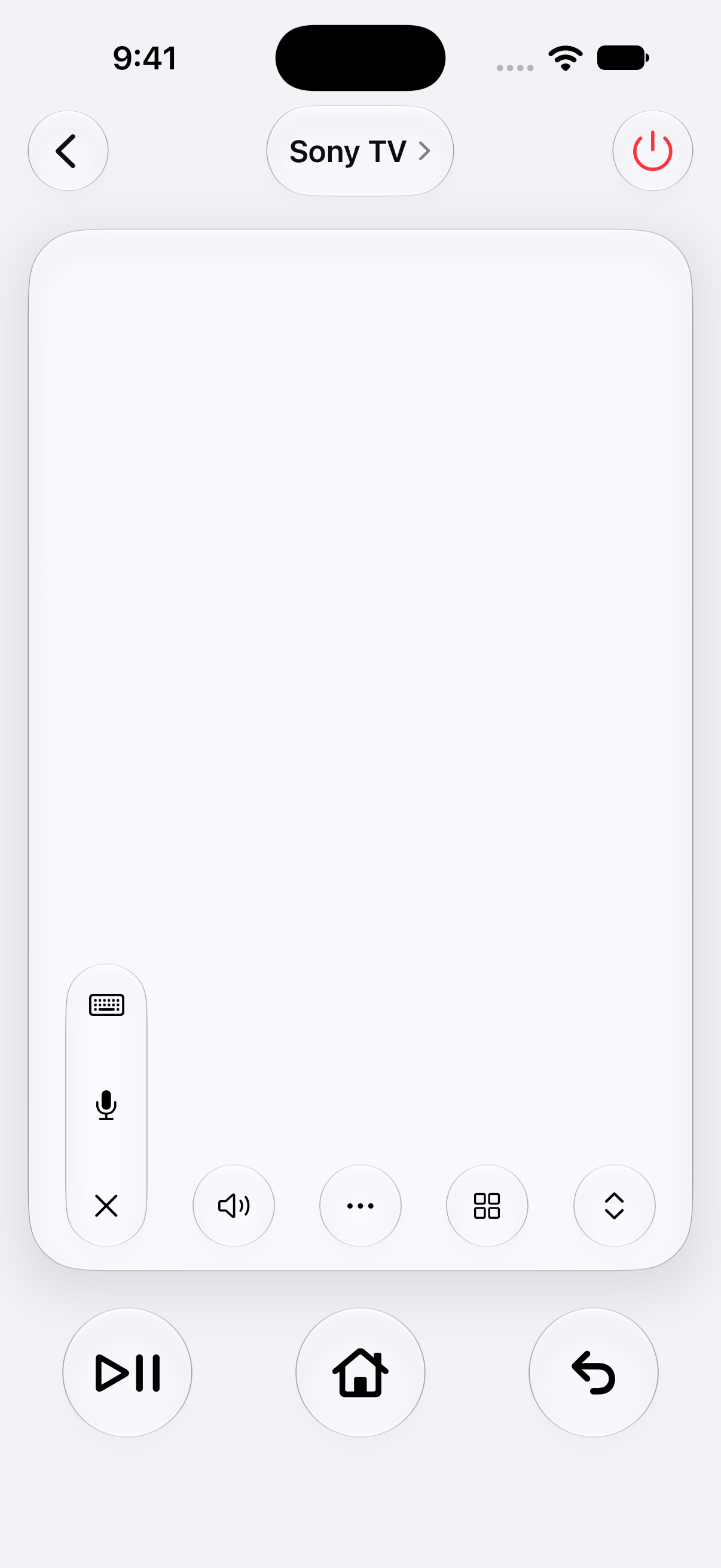
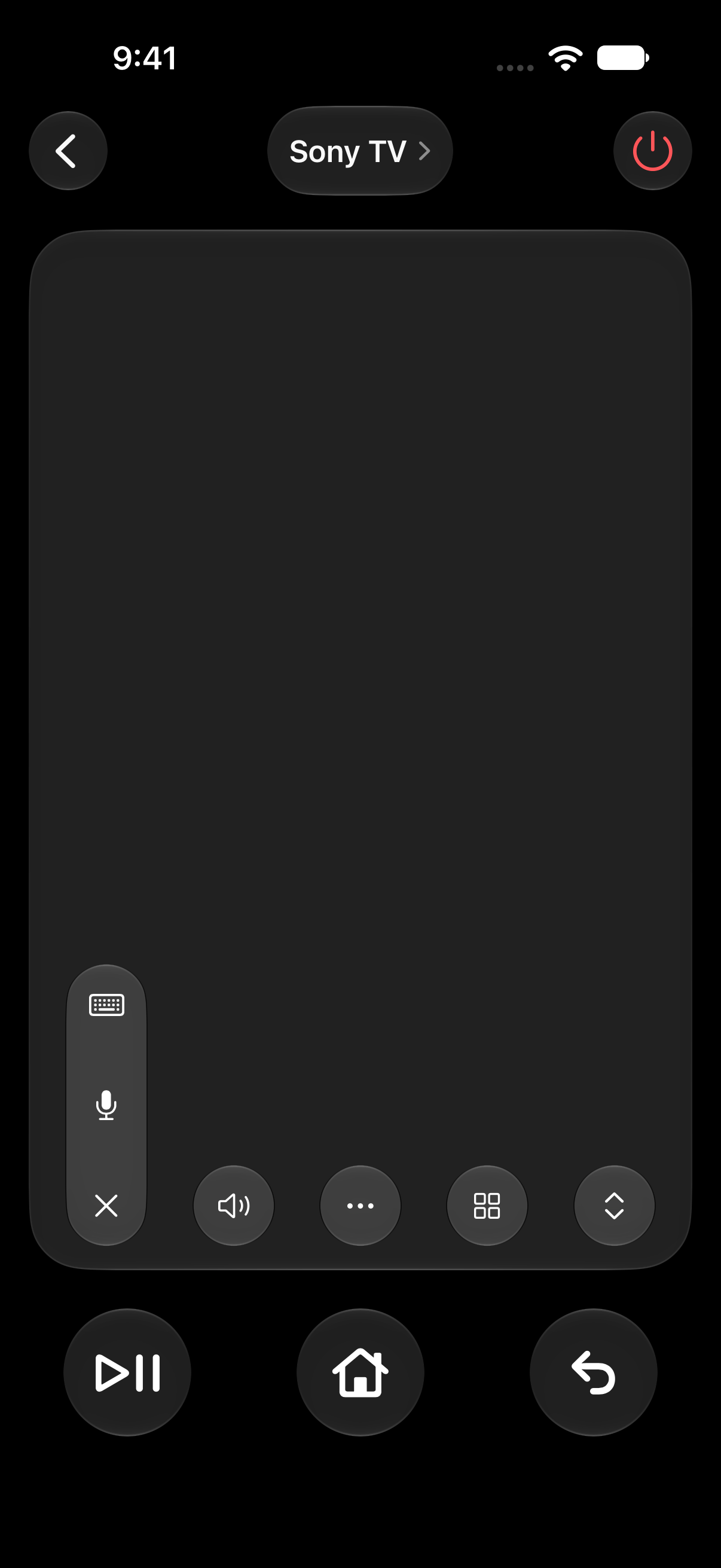
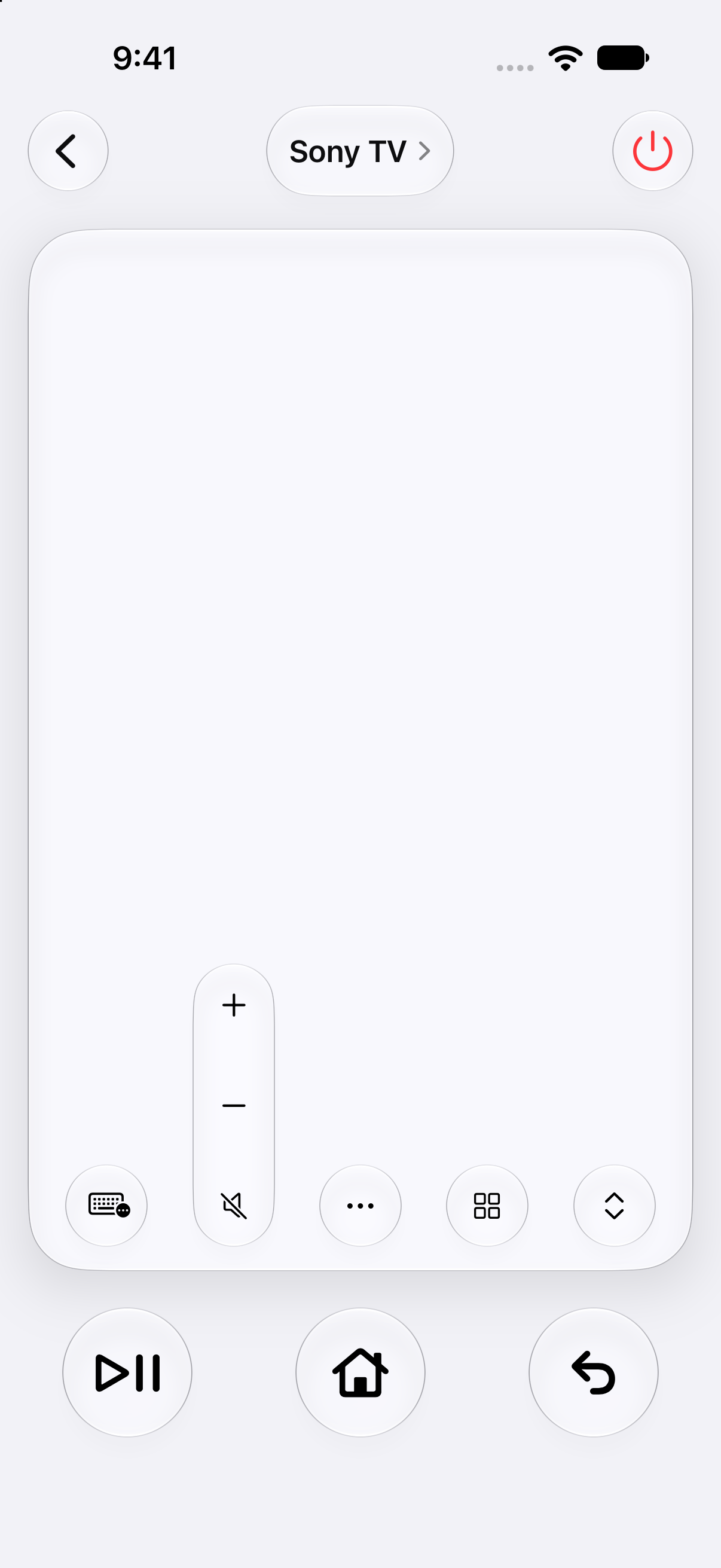
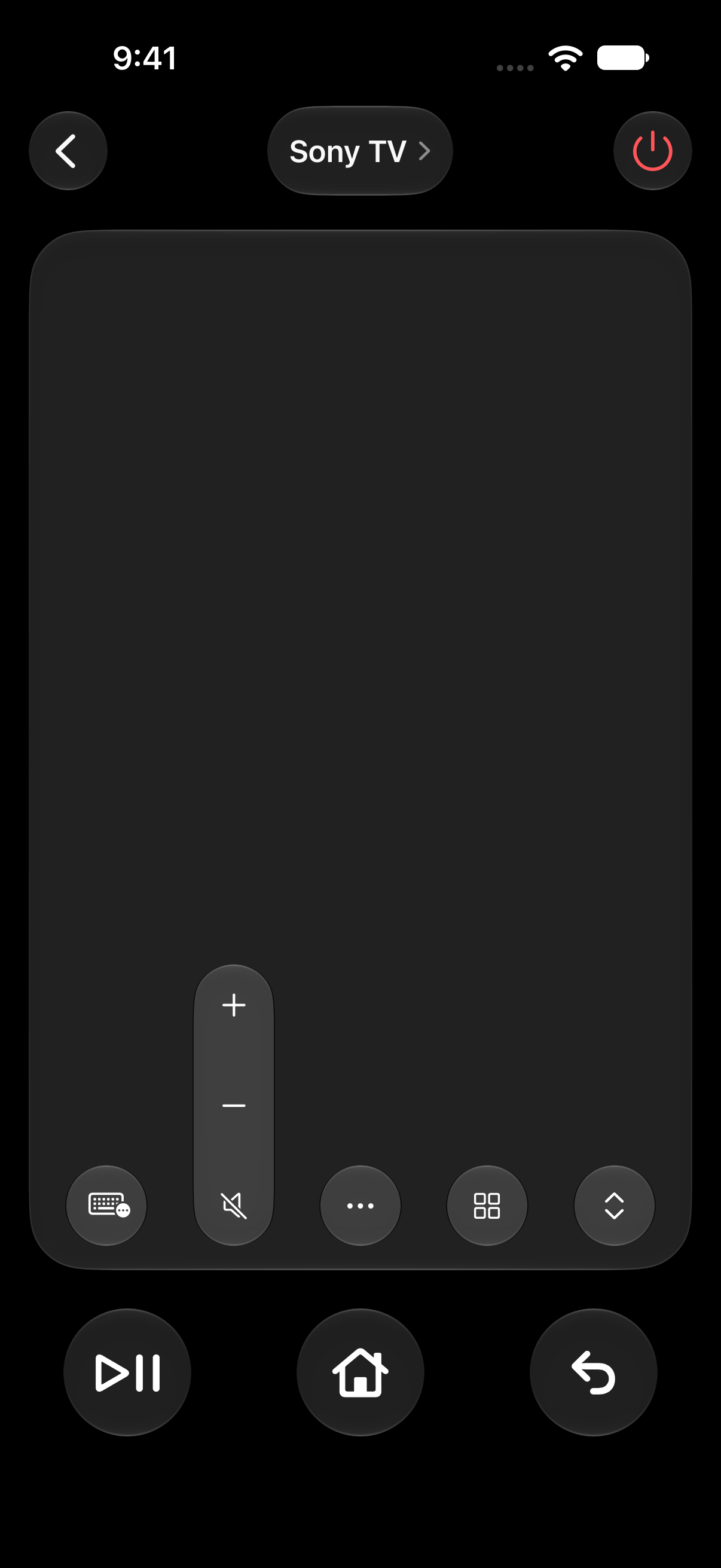
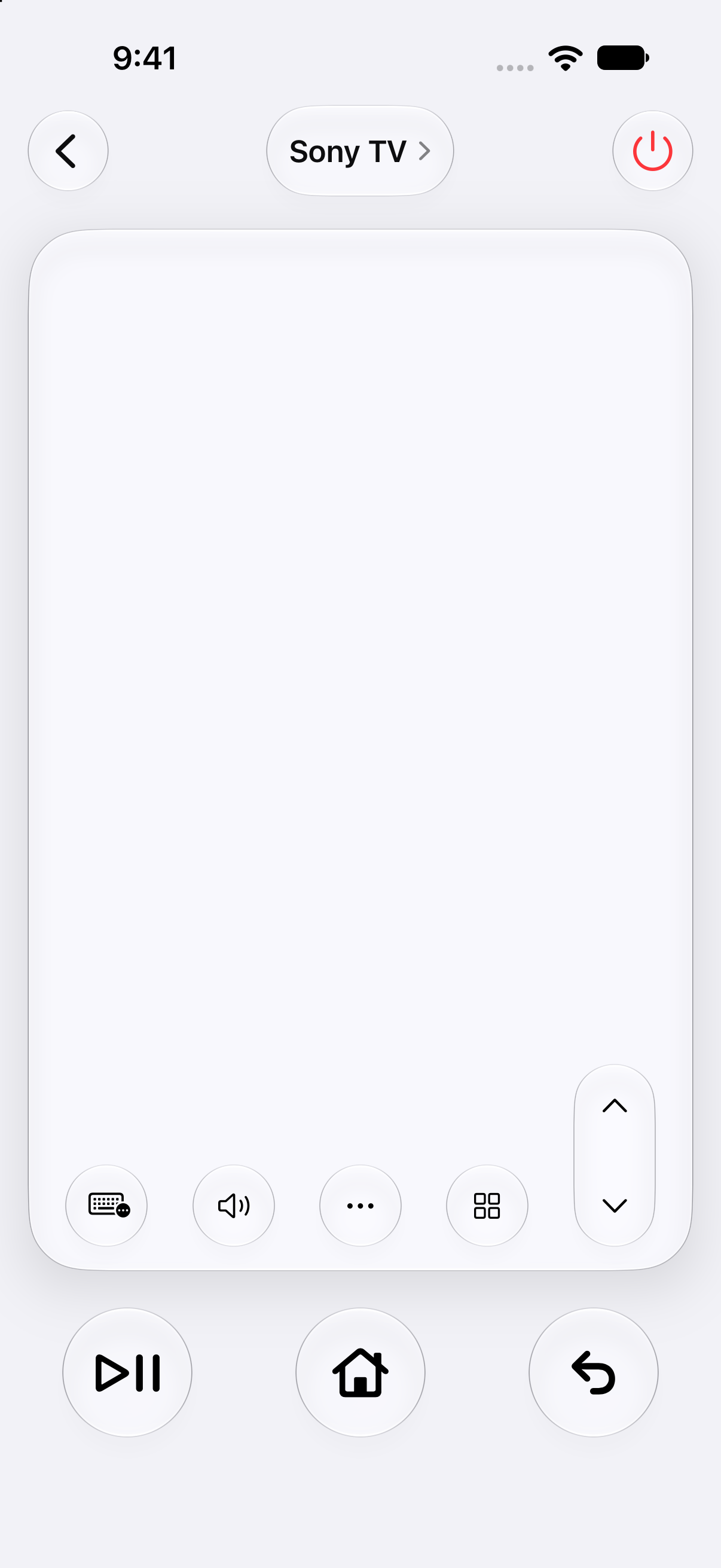
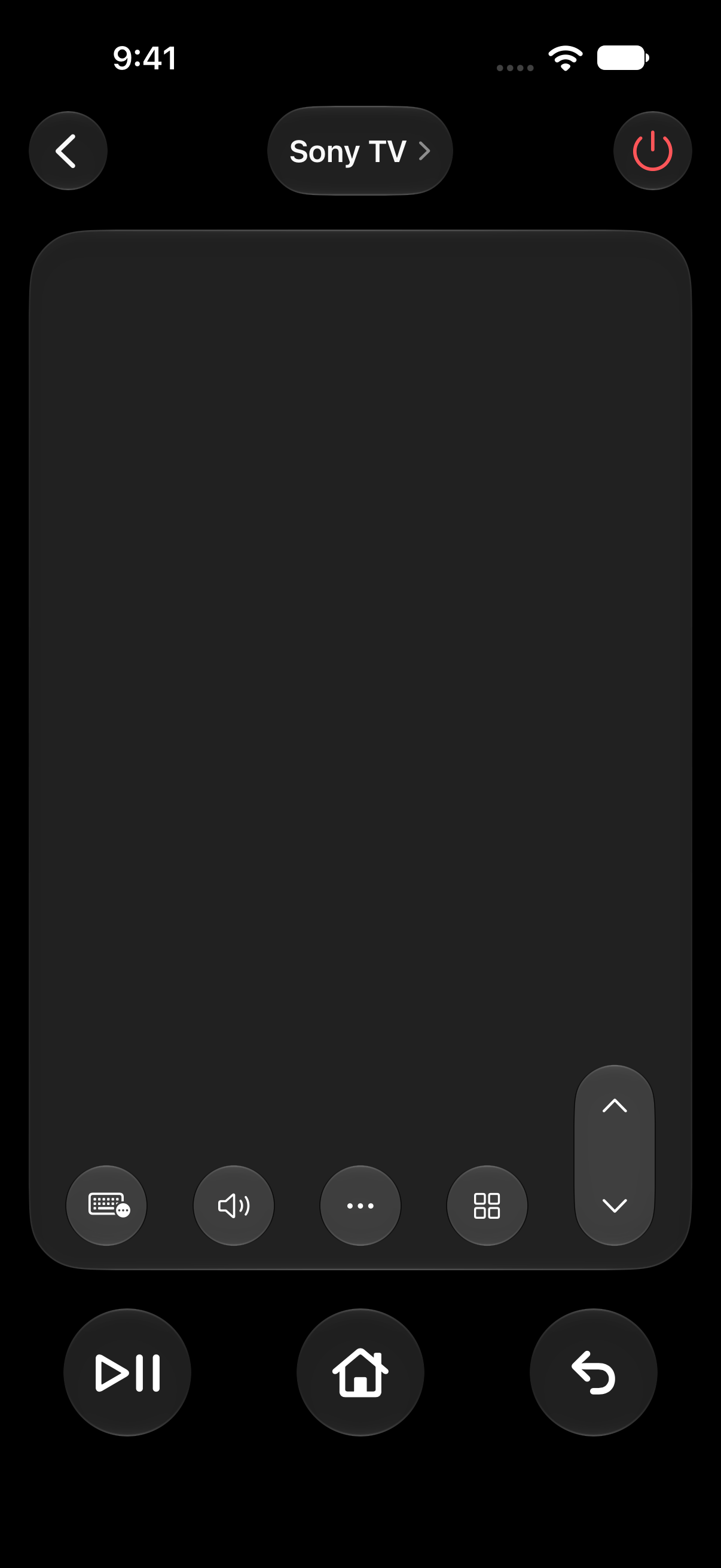
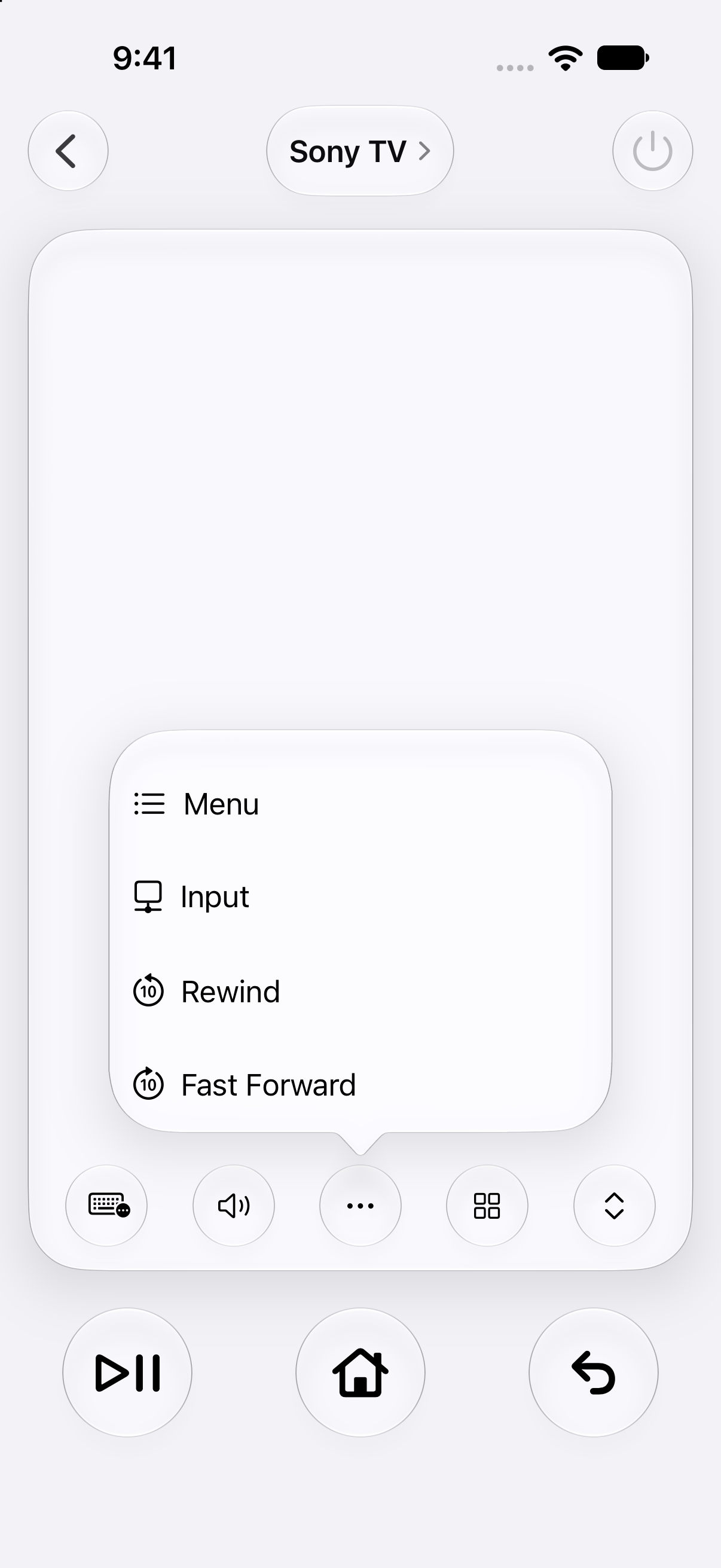
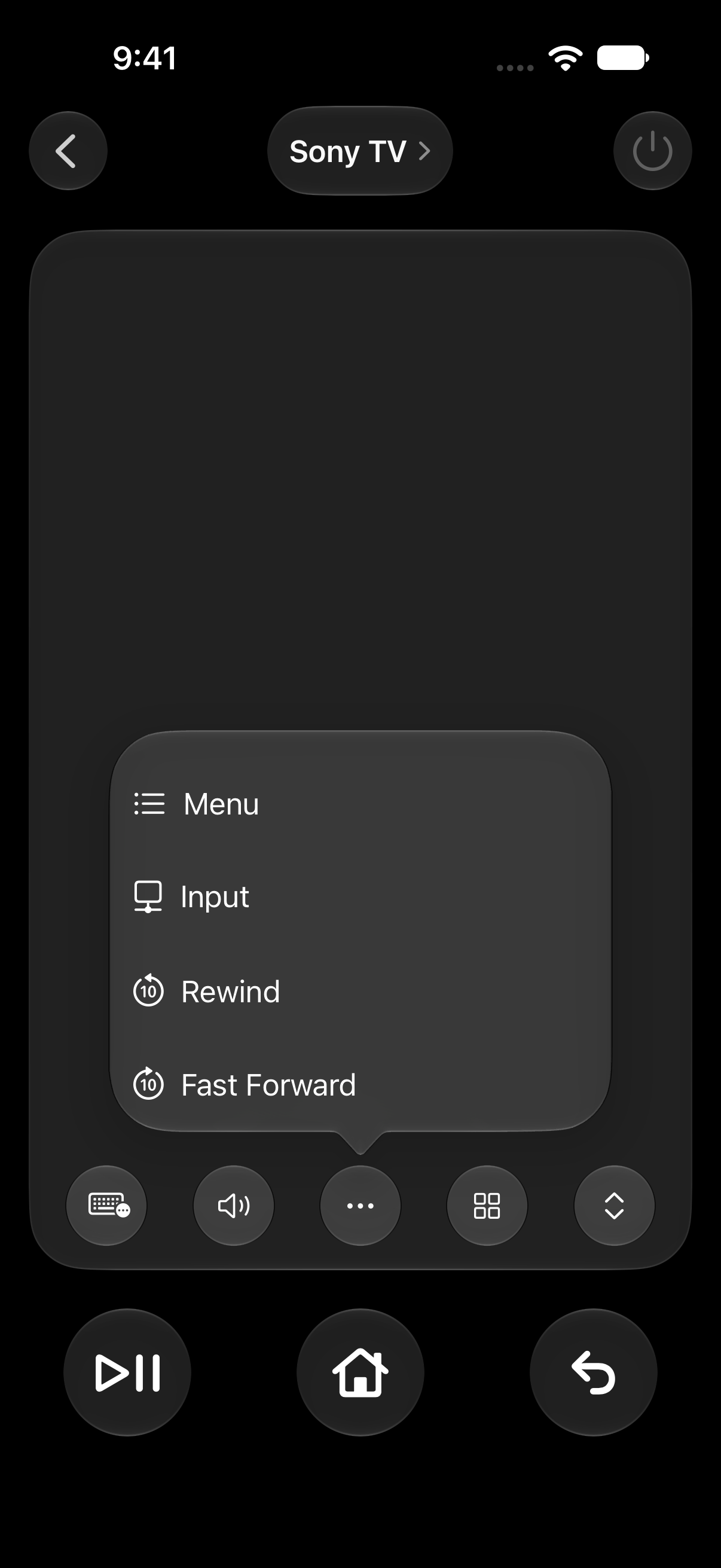
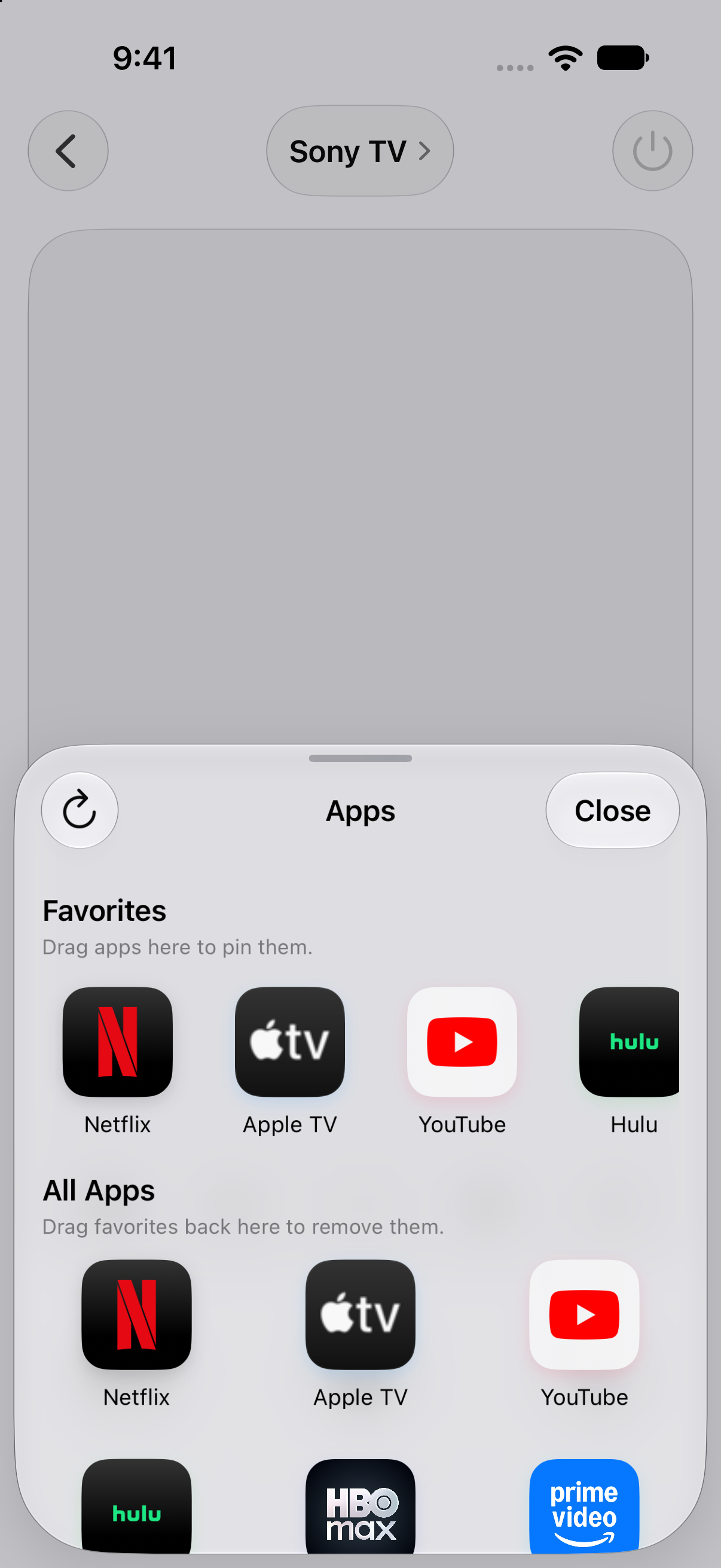
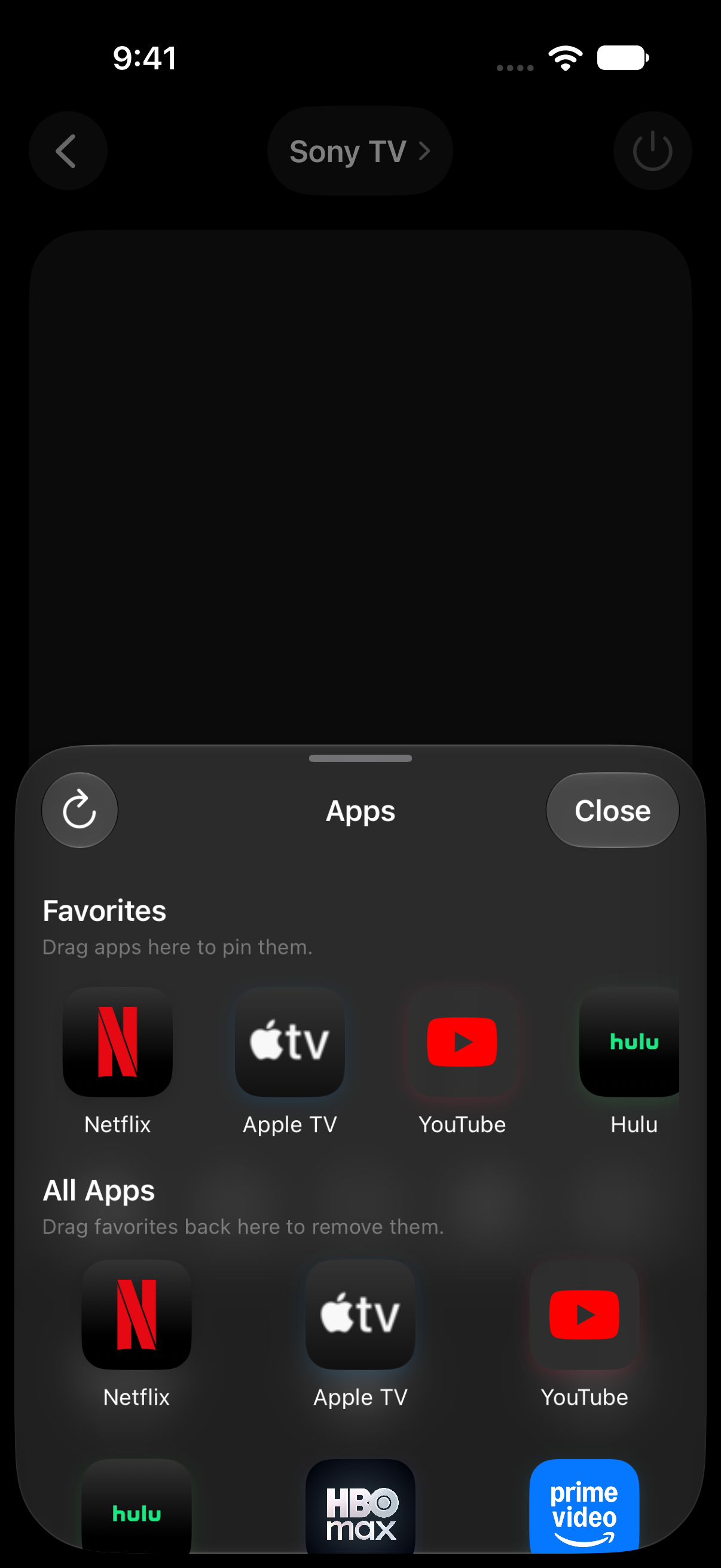
Use the remote to explore the demo TV. Highlighted: Cinema.
Something good is just a tap away.
Swipe the trackpad to move. Tap it to explore.
Actual app screen. Simulated TV.
Controls stay in this browser. Features vary by TV.
A CLOSER LOOK
The app. At a glance.
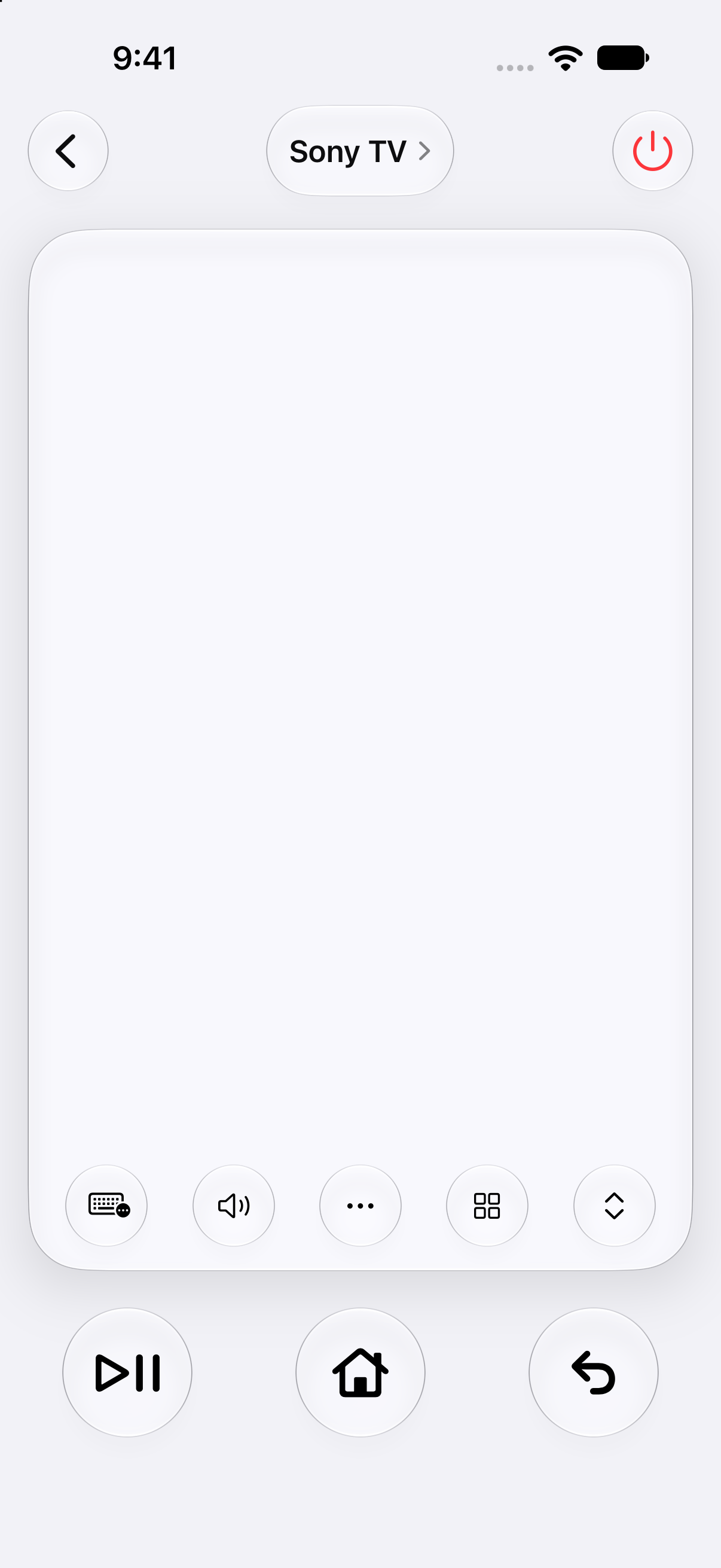
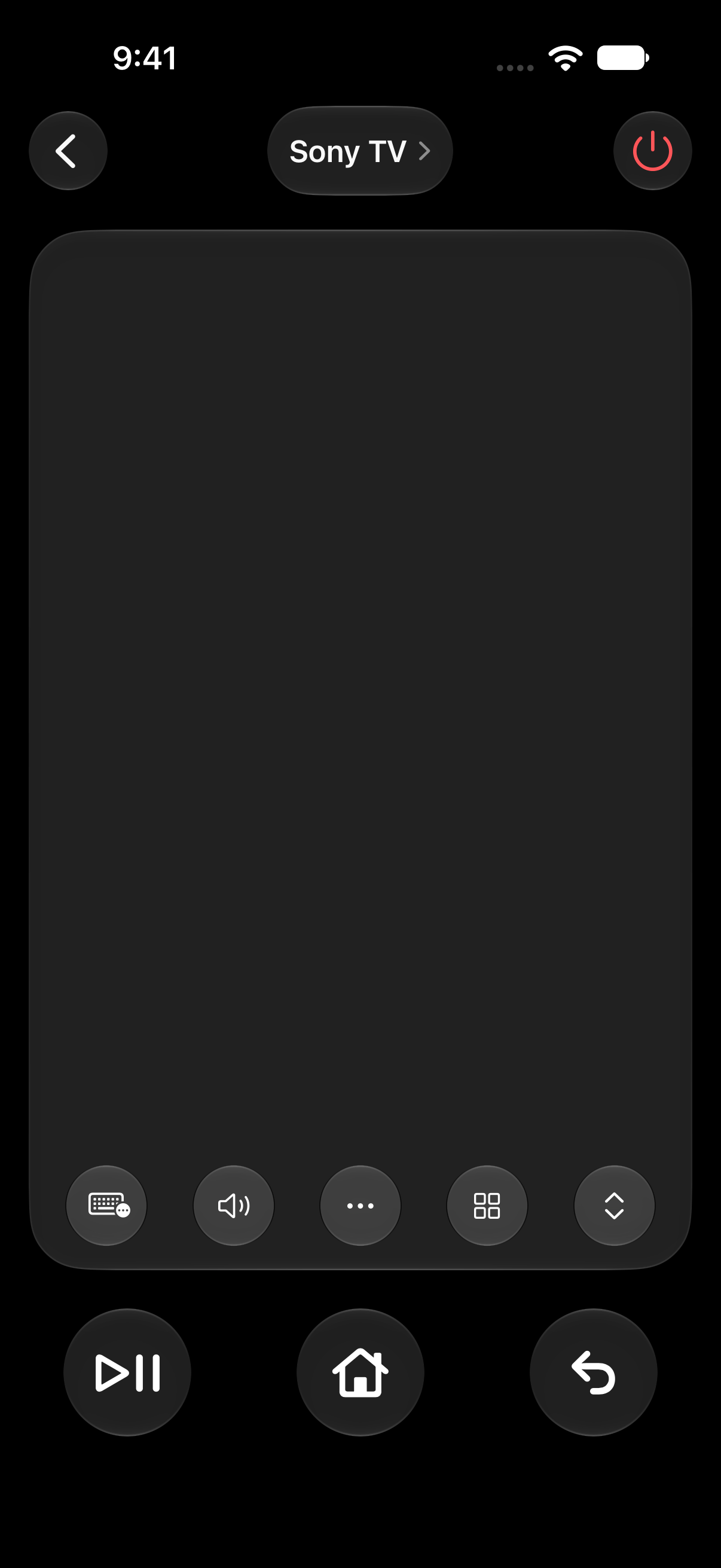
A spacious trackpad. Familiar controls. Two appearances.
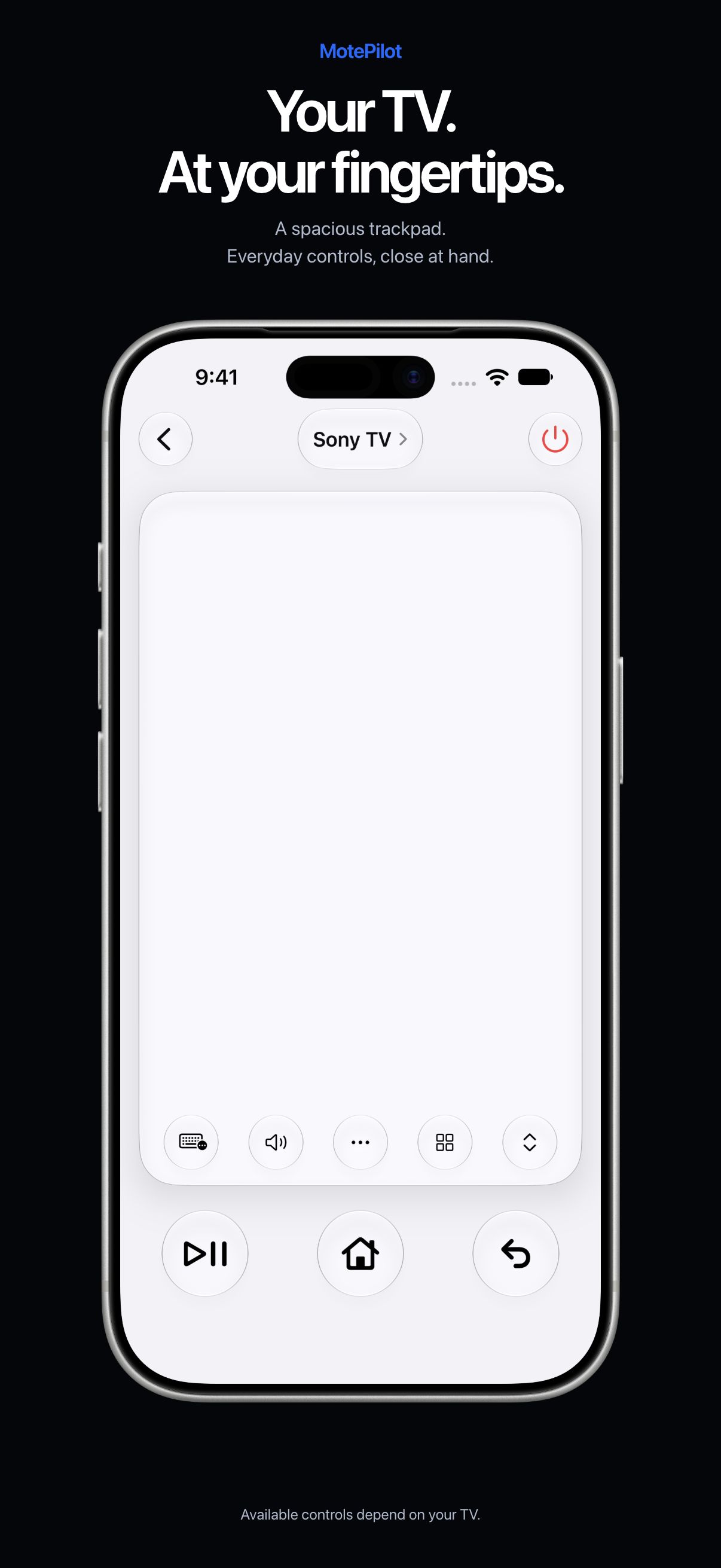
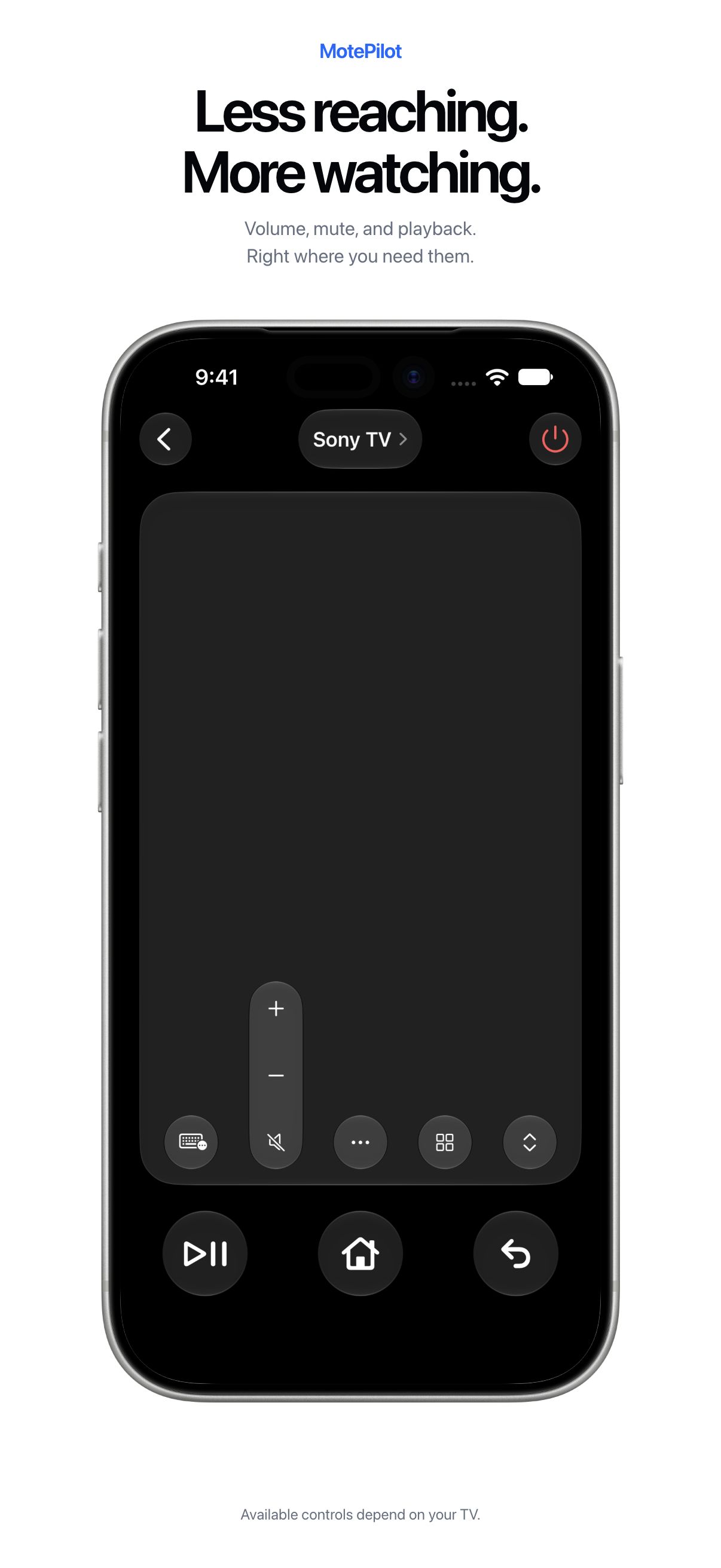
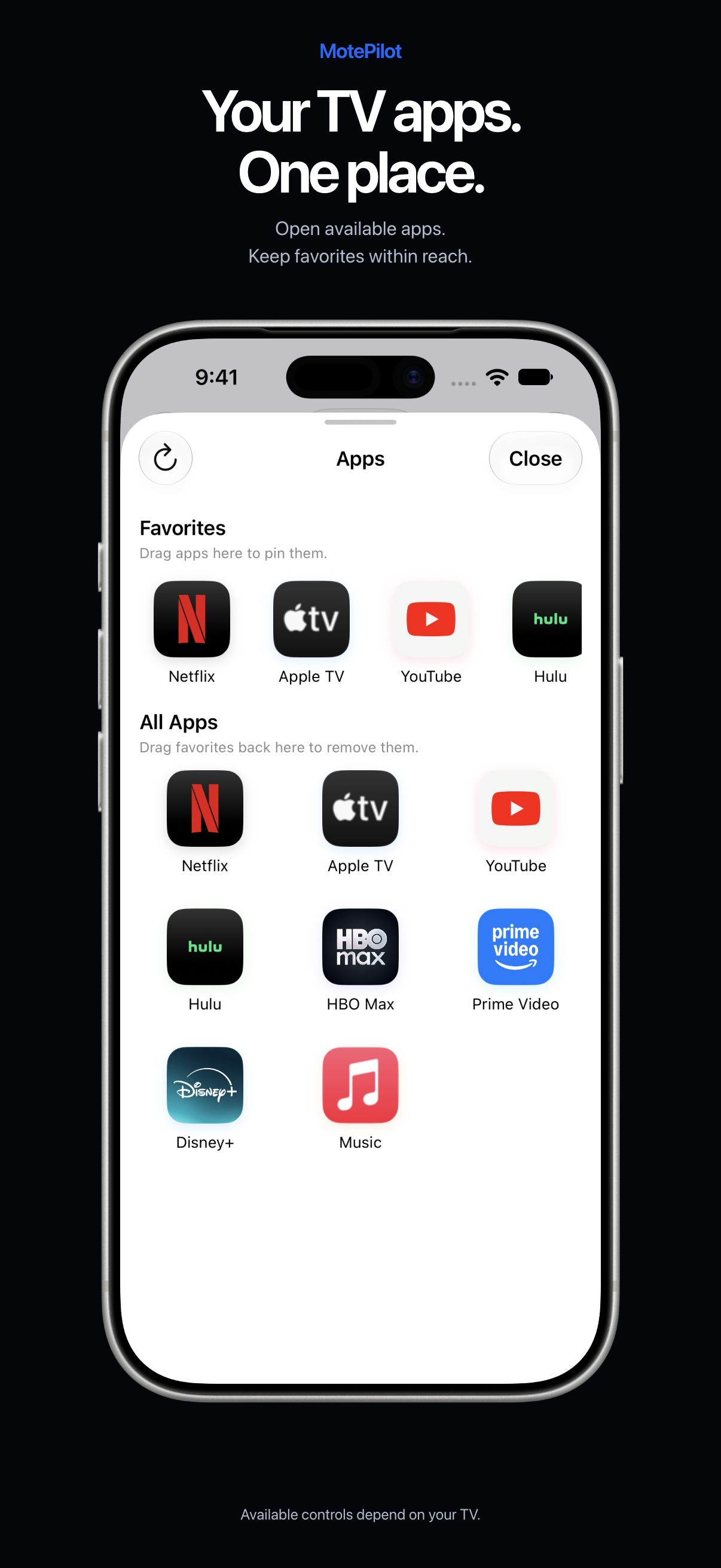
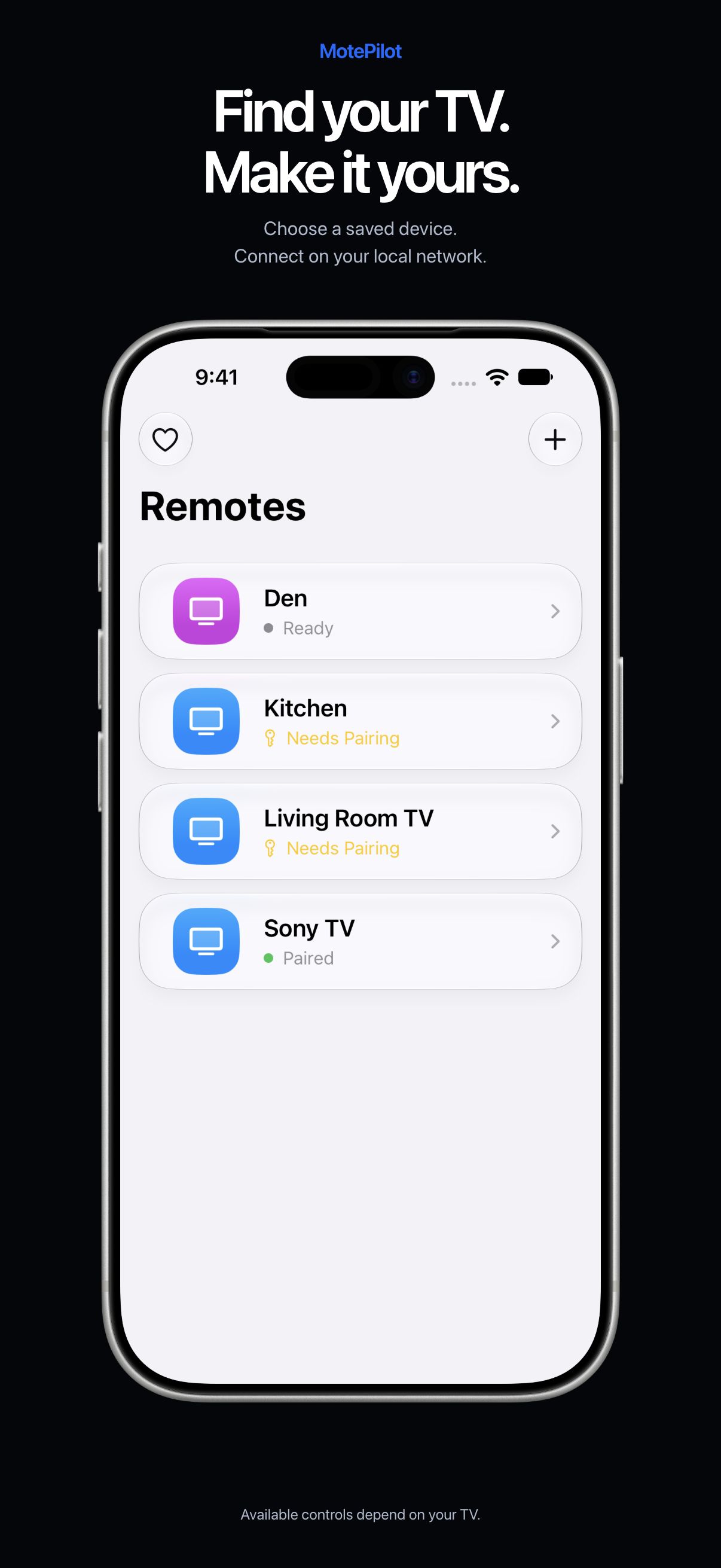
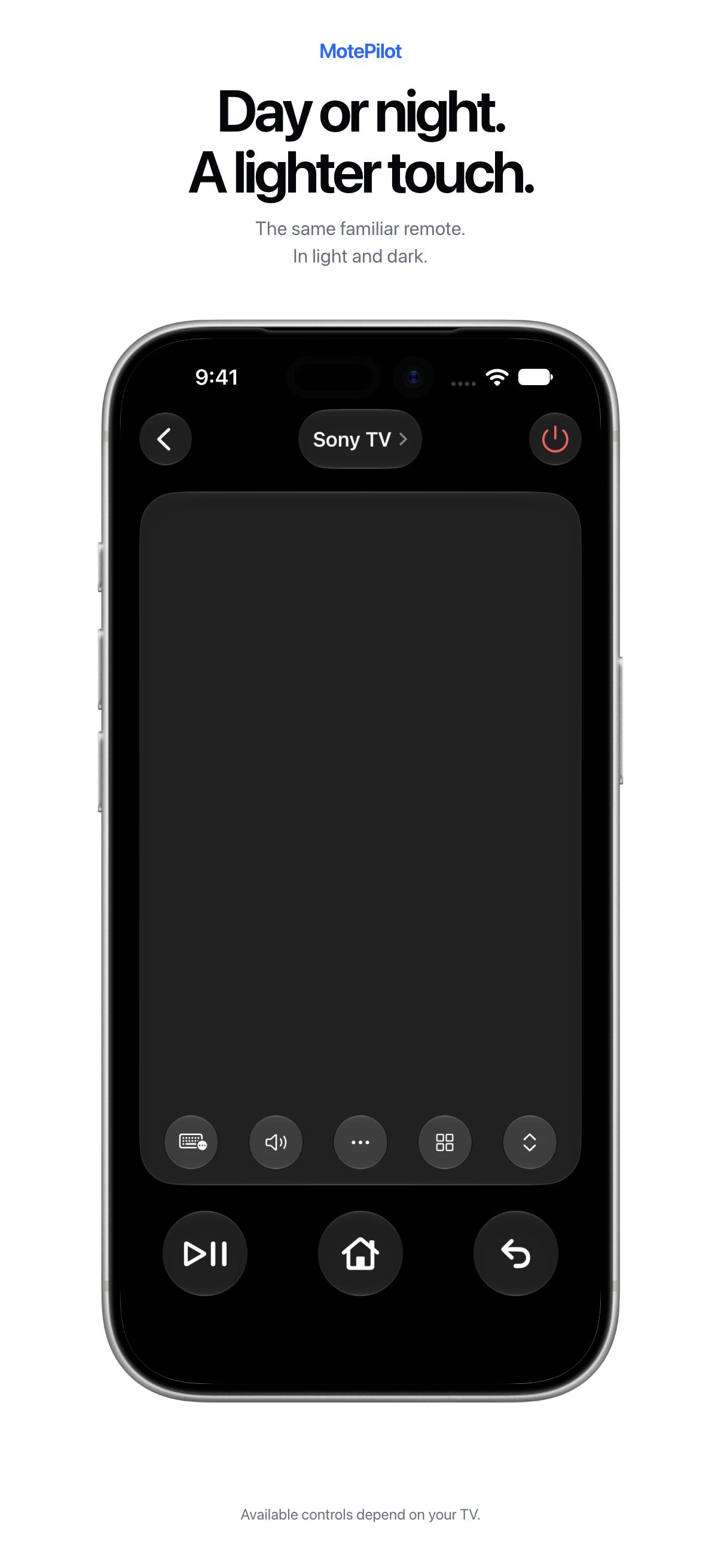
See the controls in motion.
Watch the native remote expand its controls and open the TV apps sheet.
Recorded in the iPhone simulator with a simulated TV. Available controls depend on your TV.
A familiar way to navigate.
Swipe the trackpad, tap to select, and use Home and Back to find your way around.
Everyday controls, together.
Volume, playback, channels, and available TV apps, where supported by your device.
Less typing with the remote.
Use your iPhone keyboard or a compatible TV assistant. Input support varies by TV and app.
SMALL APP. THOUGHTFUL AMBITION.
Simple, by intention.
We’re building MotePilot without ads or required subscriptions. Optional tips are planned to support maintenance, improvements, and future apps.
Meet the idea behind the appA REMOTE WITH A LIGHTER TOUCH
Your iPhone.
Your next remote.
Explore the trackpad and familiar controls in the interactive demo, then see how MotePilot connects to compatible TVs on your local network.
Use your iPhone and TV on the same local network. Compatibility and available controls vary by TV.